
Replacement Shortlist
Steve AI Alternatives (2026)
Top options in this guide include InVideo, Pika, and Runway, compared for cost control, output quality, and workflow speed.
This page is the replacement shortlist for teams moving off Steve AI: where each option fits, what you gain over Steve AI, and what trade-offs you accept.
Instead of browsing long feature grids, start with the top 3 picks below and compare them by editing control, workflow speed, pricing behavior, and delivery reliability.
Top picks are InVideo, Pika, Runway.
Updated May 2026
Rating
4.5/5
Starting price
$10/mo
Verdict
Top options in this guide include InVideo, Pika, and Runway, compared for cost control, output quality, and workflow speed.
Next move
Use this page to replace Steve AI, not to re-read it
If Steve AI is still viable, go back to the review or pricing page. Stay here only if you are actively looking for a better-fit replacement or a broader route.
Base tool
Read the full review
Go back if the question is still whether Steve AI itself is good enough.
Budget check
View pricing
Check plans and usage limits before you assume the problem is the product rather than the price model.
Route reset
Browse by workflow
Step back if you now need a broader workflow page instead of a tool-for-tool replacement list.
TL;DR
- Editing control: InVideo + HeyGen — InVideo combines prompt-based scripting, stock footage access, subtitles, and voiceover in one faceless-video workflow.
- Stock + voice quality: Fliki + Veed.io — Fliki provides better value for high-volume creators with more generous free plan and clearer pricing
- Predictable pricing: Zebracat + Synthesia — Storyboard and independent scene reroll give more structure than a single black-box render
- Avatar videos: Pika + Runway — Persona configuration is broader than a simple avatar skin swap
Why consider an alternative?
1. Cost and usage predictability
Can you control cost predictably when you regenerate clips and edits?
When usage grows, teams often compare alternatives to avoid pricing surprises while keeping production output stable.
2. Output quality consistency
How consistent is output quality across different prompts and styles?
Switching from Steve AI is usually driven by the need for fewer re-renders and more reliable first-pass quality.
3. Workflow reliability and delivery speed
How fast is script-to-video workflow when your team ships every week?
If your process depends on weekly publishing, reliability under deadline matters as much as headline feature count.
The 3 most popular Steve AI alternatives
1. InVideo

InVideo
Prompt-to-video drafts. InVideo combines prompt-based scripting, stock footage access, subtitles, and voiceover in one faceless-video workflow.
Key capabilities
- InVideo combines prompt-based scripting, stock footage access, subtitles, and voiceover in one faceless-video workflow.
- Selected models reach 4K, and paid plans remove the watermark on active paid-project downloads.
- Free exports include the InVideo watermark, so the no-cost lane is better for testing than final publishing.
- Editing control: Editing control.
Weakness / Trade-offs
- Heavy revision loops still burn credits, and plan changes only take effect at cycle end.
- Canceling or downgrading takes effect at the end of the current billing cycle, and paid-generated media remains accessible after cancellation.
Pricing
Starts at $28/mo
2. Pika

Pika
Social Media Managers. Persona configuration is broader than a simple avatar skin swap
Key capabilities
- Persona configuration is broader than a simple avatar skin swap
- Supports both live interaction and async persona-video use cases in the current product narrative
- Pika free plan offers 0 monthly video credits, Limited model access, Watermarked videos, Standard processing speed, Pikaffects: Image-to-Video only
- Editing control: Guided workflow.
Weakness / Trade-offs
- Marketing noise is high around memory, emotions, monetization, and broad autonomy
Pricing
Starts at $8/mo
3. Runway
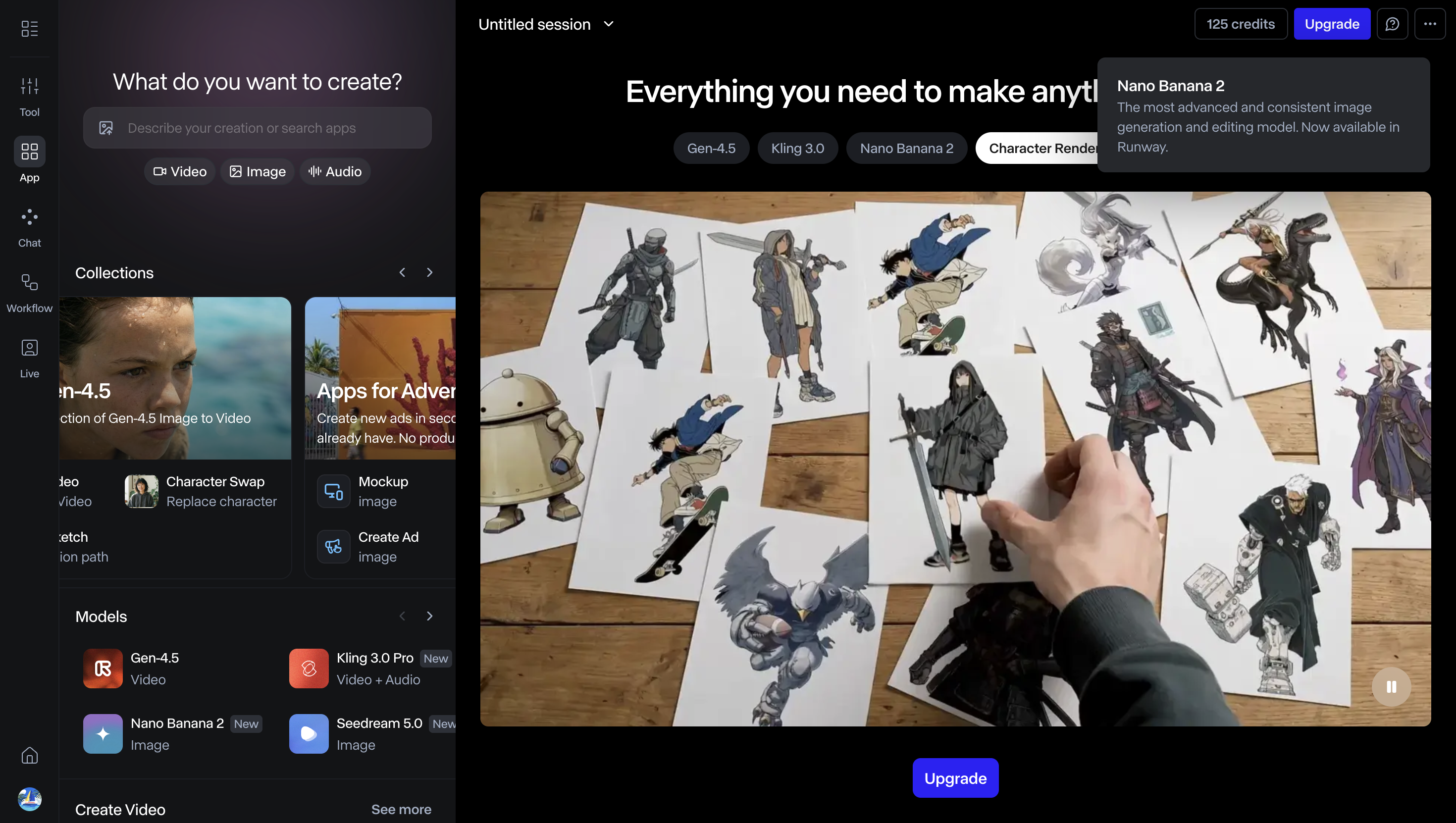
Cinematic ad creative. Enterprise adds private-by-default assets, SSO, workspace controls, and blocked external sharing.
Key capabilities
- Enterprise adds private-by-default assets, SSO, workspace controls, and blocked external sharing.
- Paid plans unlock watermark-free exports and all video models, including Gen-4.
- Runway Free is a testing lane with watermarking and no Gen-4 video access.
- Editing control: Guided workflow.
Weakness / Trade-offs
- Credits still drive cost, and the strongest controls sit on the enterprise path.
Pricing
Starts at $12/mo
Best alternatives at a glance
| Tool | Best for |
|---|---|
| InVideo | Prompt-to-video drafts |
| Pika | Social Media Managers |
| Runway | Cinematic ad creative |
FAQ
Steve AI is best for content creators and small businesses that want affordable, easy video production with templates, prompt-based drafting, and basic AI support.
Credits or minutes are typically consumed based on video length, generation settings, and feature usage. Check your plan details on the pricing page for specific limits.
Yes. Steve AI keeps a free entry tier, but watermark-free exports and higher resolutions start on paid plans.
Commercial usage rights depend on your plan tier. Free plans typically restrict commercial use. Paid plans usually include commercial licensing. Verify the exact terms in the official pricing page or terms of service.
You can cancel your subscription from your account settings or billing dashboard. Cancellation typically takes effect at the end of your current billing cycle. Check the help documentation for specific steps.
Export formats typically include MP4 for video. Some plans may support additional formats like MOV, audio-only exports (MP3/WAV), or subtitle files (SRT/VTT). Check the features page or help documentation for your plan's specific export options.
Most tools work best in modern browsers like Chrome or Edge. Some users report better stability and performance in Chrome. Check the official help documentation for specific browser and system requirements.
Steve AI focuses on Content Creators & Small Businesses. Check the alternatives page for tool comparisons and recommendations based on your use case.
Yes, but free plans usually include limits in minutes, exports, or branding. Validate those limits before committing.
Many do. Confirm watermark removal rules on the plan page before publishing client-facing videos.