
Replacement Shortlist
Zebracat Alternatives (2026)
Top options in this guide include Veed.io, Fliki, and Descript, compared for cost control, output quality, and workflow speed.
This page is the replacement shortlist for teams moving off Zebracat: where each option fits, what you gain over Zebracat, and what trade-offs you accept.
Instead of browsing long feature grids, start with the top 6 picks below and compare them by editing control, workflow speed, pricing behavior, and delivery reliability.
Top picks are Veed.io, Fliki, Descript, Lumen5, Steve AI.
Updated May 2026
Rating
4.9/5
Starting price
$19/mo
Verdict
Top options in this guide include Veed.io, Fliki, and Descript, compared for cost control, output quality, and workflow speed.
Next move
Use this page to replace Zebracat, not to re-read it
If Zebracat is still viable, go back to the review or pricing page. Stay here only if you are actively looking for a better-fit replacement or a broader route.
Base tool
Read the full review
Go back if the question is still whether Zebracat itself is good enough.
Budget check
View pricing
Check plans and usage limits before you assume the problem is the product rather than the price model.
Route reset
Browse by workflow
Step back if you now need a broader workflow page instead of a tool-for-tool replacement list.
TL;DR
- Cost control: Pictory + Descript — Avoiding credit volatility and strict refund windows.
- Quality issues: Opus Clip + Runway — Escaping distorted AI faces and sync errors.
- Editing control: Veed.io + Fliki — Gaining post-generation control and manual editing.
Why consider an alternative?
1. Cost and usage predictability
Can you control cost predictably when you regenerate clips and edits?
When usage grows, teams often compare alternatives to avoid pricing surprises while keeping production output stable.
2. Output quality consistency
How consistent is output quality across different prompts and styles?
Switching from Zebracat is usually driven by the need for fewer re-renders and more reliable first-pass quality.
3. Workflow reliability and delivery speed
How fast is script-to-video workflow when your team ships every week?
If your process depends on weekly publishing, reliability under deadline matters as much as headline feature count.
The 6 most popular Zebracat alternatives
1. Veed.io
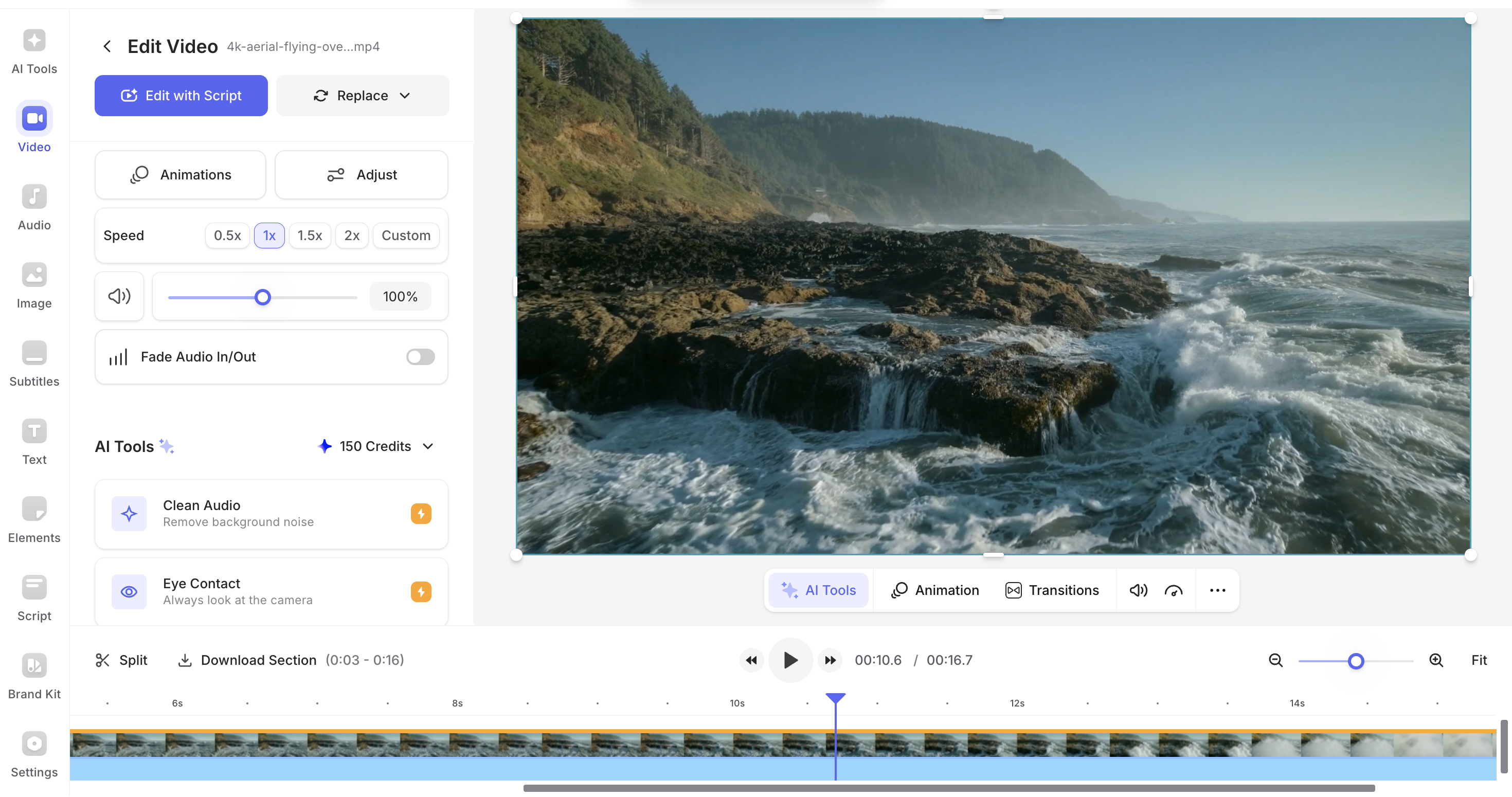
Social Media Creators & Beginners. Veed.io free plan offers 2GB storage, 1GB upload file size
Key capabilities
- Veed.io free plan offers 2GB storage, 1GB upload file size
- Editing control: Editing control.
- Export behavior: Export limits vary by plan.
- Free plan signal: Veed.io free plan offers 2GB storage, 1GB upload file size.
Weakness / Trade-offs
- Veed.io has limited advanced editing features and watermark on free plan 's premium stock libraries
Pricing
Starts at $12/mo
2. Fliki

Fliki
Bloggers repurposing written content into videos. Fliki free plan offers 5 minutes/month with watermark, better for testing than InVideo's weekly limits
Key capabilities
- Fliki free plan offers 5 minutes/month with watermark, better for testing than InVideo's weekly limits
- Fliki free plan exports at 720p, while InVideo offers up to 1080p on free (varies by account)
- Editing control: Editing control.
- Export behavior: Fliki free plan exports at 720p, while InVideo offers up to 1080p on free (varies by account).
Weakness / Trade-offs
- Fliki has more limited stock video library and editing controls
- Fliki offers 14-day money-back guarantee, while InVideo refund process is reported as difficult
Pricing
Starts at $28/mo
3. Descript

Descript
Podcasters. Descript Free includes 60 media minutes per month, 100 one-time AI credits, and 720p export.
Key capabilities
- Descript Free includes 60 media minutes per month, 100 one-time AI credits, and 720p export.
- Free stays at 720p, Hobbyist moves to 1080p, and Creator adds 4K export.
- Editing control: Cost control.
- Export behavior: Free stays at 720p, Hobbyist moves to 1080p, and Creator adds 4K export..
Weakness / Trade-offs
- You can cancel from the subscription page, and deleting the account permanently wipes stored data from Descript's servers.
Pricing
Starts at $12/mo
4. Lumen5

Lumen5
Content Marketers. Strong fit for Content Marketers.
Key capabilities
- Strong fit for Content Marketers.
- Editing control: Cost control.
- Export behavior: Export limits vary by plan.
- Free plan signal: Free plan details vary by tool.
Weakness / Trade-offs
- Trade-offs vary by workflow and team setup.
Pricing
Starts at $19/mo billed yearly
5. Steve AI

Steve AI
Content Creators. Steve AI's free lane is usable for testing, but exports keep the platform watermark until you upgrade.
Key capabilities
- Steve AI's free lane is usable for testing, but exports keep the platform watermark until you upgrade.
- Basic supports 720p, Starter adds 1080p, Pro adds 2K, and Enterprise adds 4K exports.
- Editing control: Guided workflow.
- Export behavior: Basic supports 720p, Starter adds 1080p, Pro adds 2K, and Enterprise adds 4K exports..
Weakness / Trade-offs
- Steve AI does not refund subscription fees, and cancellations can be made any time before renewal with no cancellation charge.
Pricing
Paid plans available
6. Runway
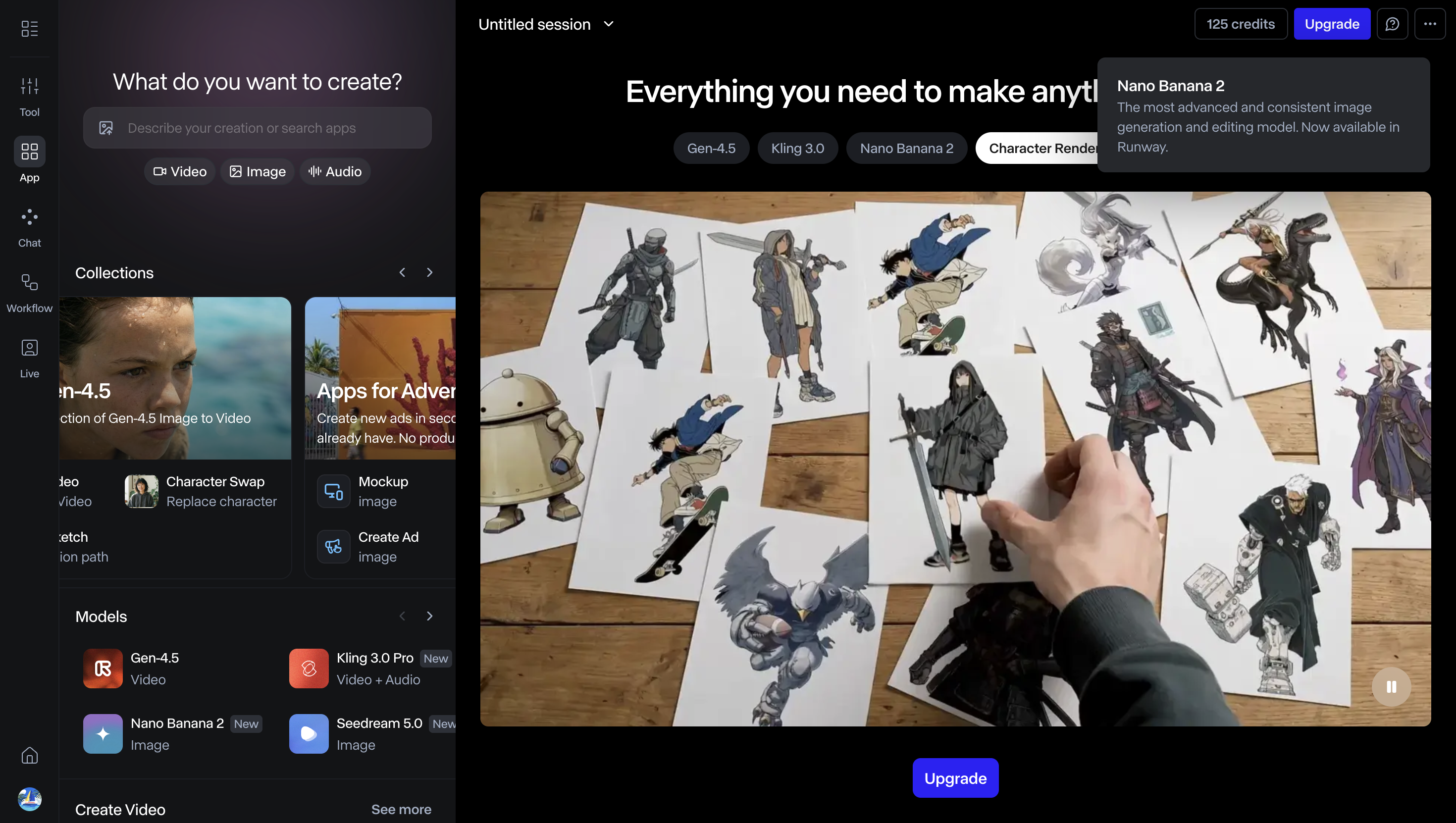
Professional Video Creators. Runway Free is a testing lane with watermarking and no Gen-4 video access.
Key capabilities
- Runway Free is a testing lane with watermarking and no Gen-4 video access.
- Paid plans unlock all video models, including Gen-4, instead of the restricted free lane.
- Editing control: Guided workflow.
- Export behavior: Paid plans unlock all video models, including Gen-4, instead of the restricted free lane..
Weakness / Trade-offs
- Trade-offs vary by workflow and team setup.
Pricing
Starts at $12/mo
Best alternatives at a glance
| Tool | Best for |
|---|---|
| Veed.io | Social Media Creators & Beginners |
| Fliki | Bloggers repurposing written content into videos |
| Descript | Podcasters |
| Lumen5 | Content Marketers |
| Steve AI | Content Creators |
| Runway | Professional Video Creators |
FAQ
The free plan allows you to create 5 videos per month with watermarks. Paid plans start at $19/month and remove watermarks while providing unlimited video generation.
The Free plan includes 25 credits monthly, roughly equal to about 5 minutes of video. Treat this as plan guidance rather than a precise production guarantee.
Many platforms grant commercial licenses on paid tiers. Check Zebracat's official terms for the exact license scope.
Once cancellation is initiated, the subscription ends immediately. Remaining paid time is not refunded.
MP4 and MOV are referenced as correct formats for video files. Verify the complete export format list and whether audio-only exports exist.
User reports: you may run into bugs or hiccups, and customization options can feel limited. If your workflow needs frame-level control, test thoroughly before upgrading.
Zebracat is significantly faster than most competitors, generating videos in seconds rather than minutes. This makes it ideal for creating content quickly to capitalize on trends or meet tight deadlines.
User reports: creating videos can take too many credits and may yield fewer outputs than competitors. Your mileage will depend on video length and generation settings.
Yes, but free plans usually include limits in minutes, exports, or branding. Validate those limits before committing.
Many do. Confirm watermark removal rules on the plan page before publishing client-facing videos.